Pitched a coded PLL prototype; production code now builds on it
- Role
- Design consultant; I set the rules, made the design calls and directed the agents
- Team
- Just me, directing Claude Code agents; PLL's iOS and Android developers now build on the result
- Scope
- B2C sports app · Figma library · coded prototype of Scores, League, Fantasy and the Global Lacrosse Games season · Scenario Lab · Storybook
- Context
- PLL's fan app; started as my own pitch, not a commission
- iOS + Android
developers build their production front end on its code
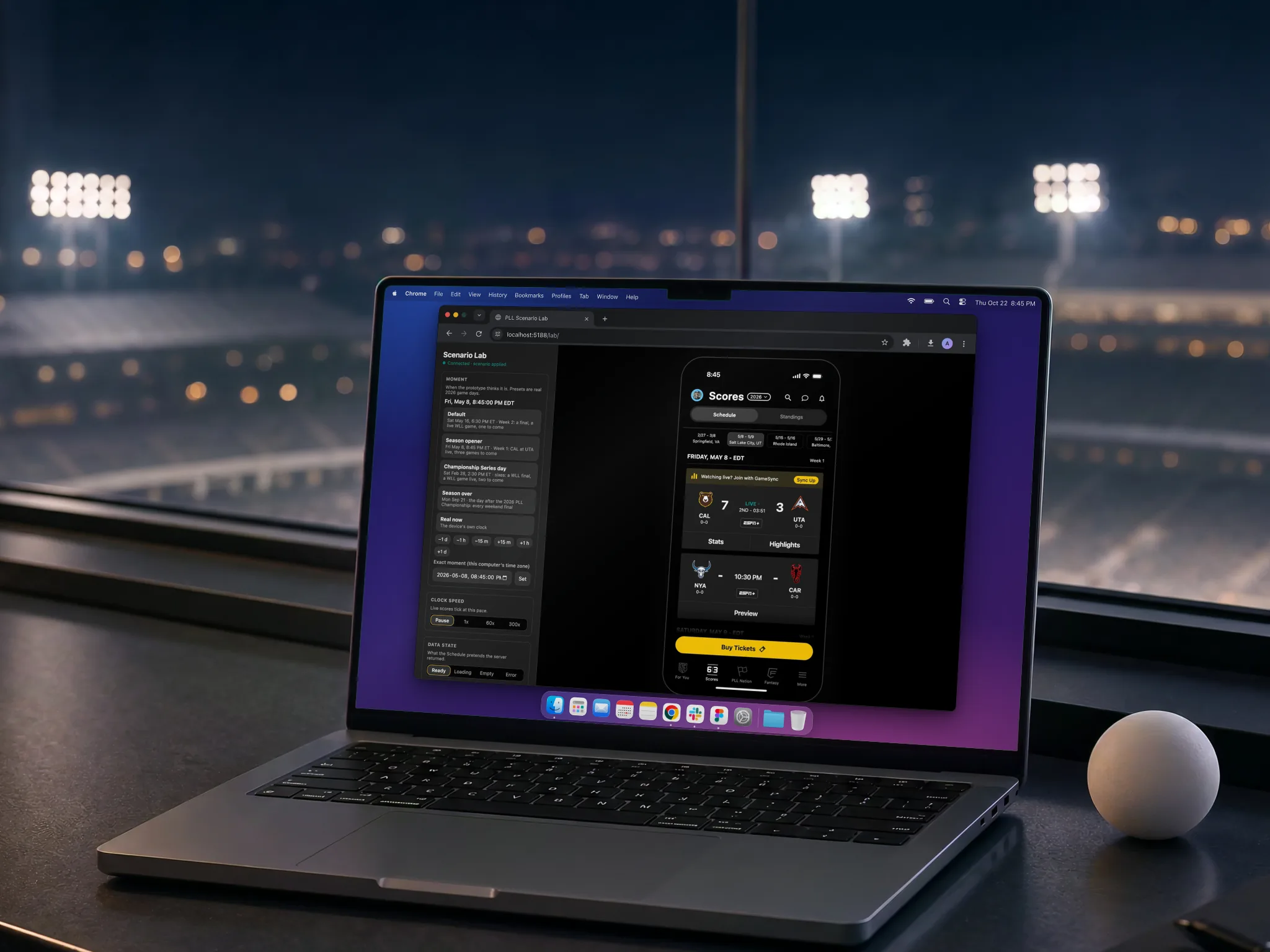
I'm the only designer on PLL's iOS app (the redesign). In October 2026, on my own initiative, I pitched the next step as working software. Directing Claude Code agents, I rebuilt my v2 library as a new Figma library and coded a prototype from it: first the Scores tab, then, through November, League, the Global Lacrosse Games season and Fantasy. Most of its features are now going into the production app, and PLL's iOS and Android developers build their production front end on its code.
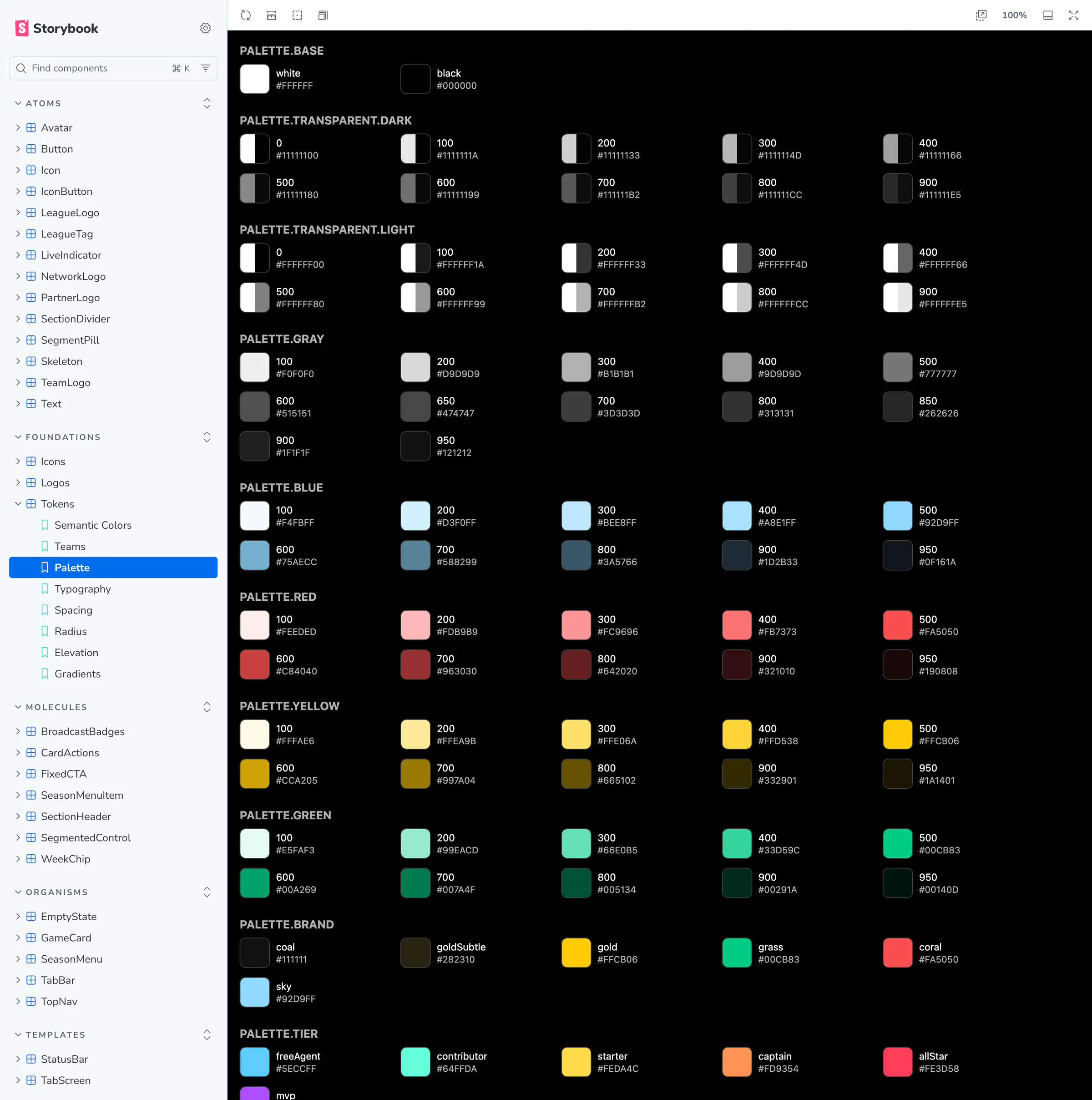
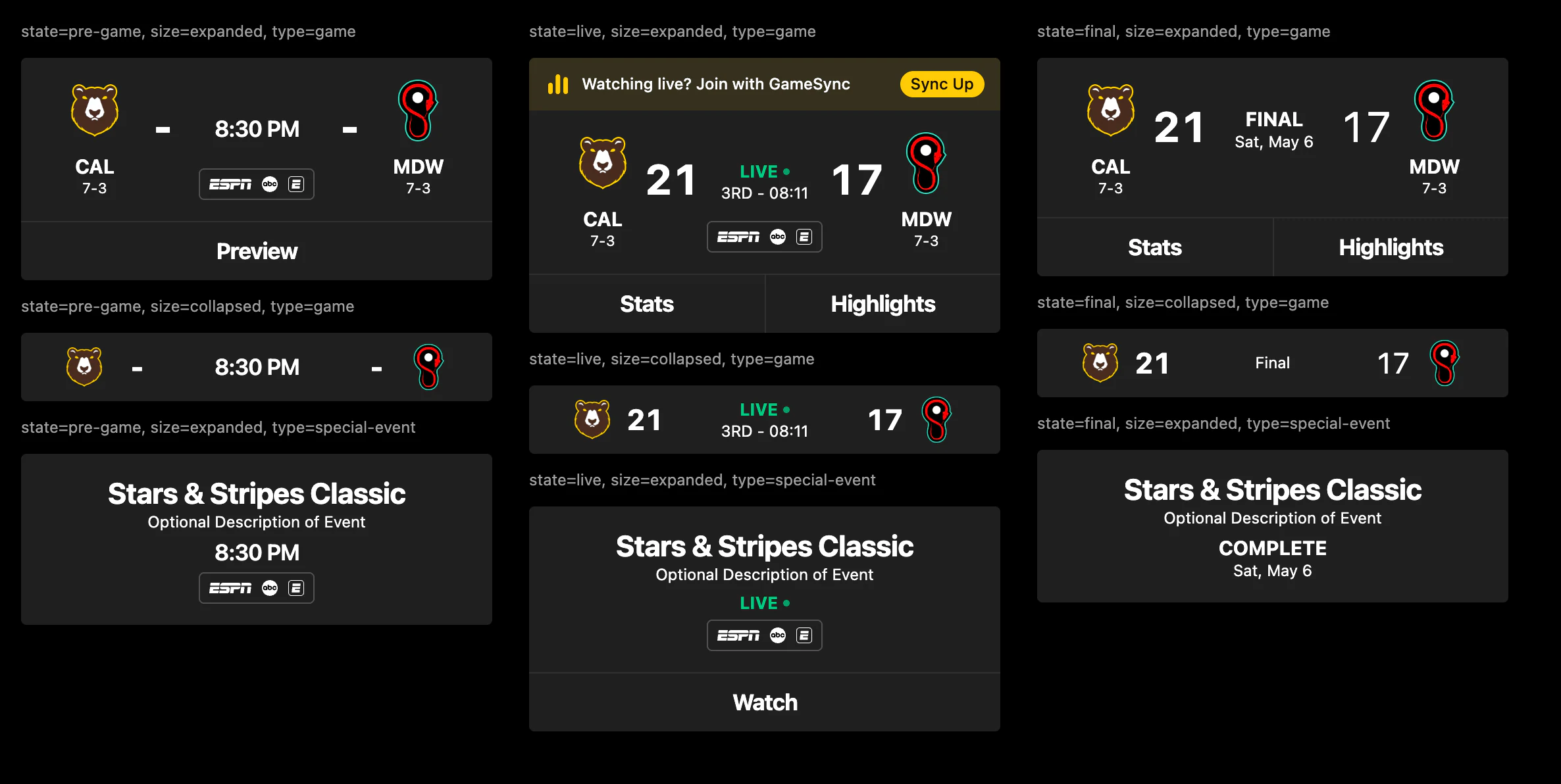
Figma leads, code follows: one library with the same names in both
My own v2 library wasn't ready to be read by code: an audit found 22 of its 49 component sets with default property names such as "Property 1".
The rule I set: Figma leads and code follows. Components have the same names, properties and values in Figma and in code. Tokens are generated from Figma; a test fails when the code copy is stale, and lint fails the build on a raw hex color. Where v2 and iOS conventions disagreed, v2 won, and small controls got an invisible 44 pt touch target to meet both.
The trade-off: even a small change needs a Figma edit and a re-sync. In return, library and code can't drift apart. Three weeks later the rule still holds, and the tokens are still re-synced from Figma.
A Scenario Lab makes any live moment reproducible
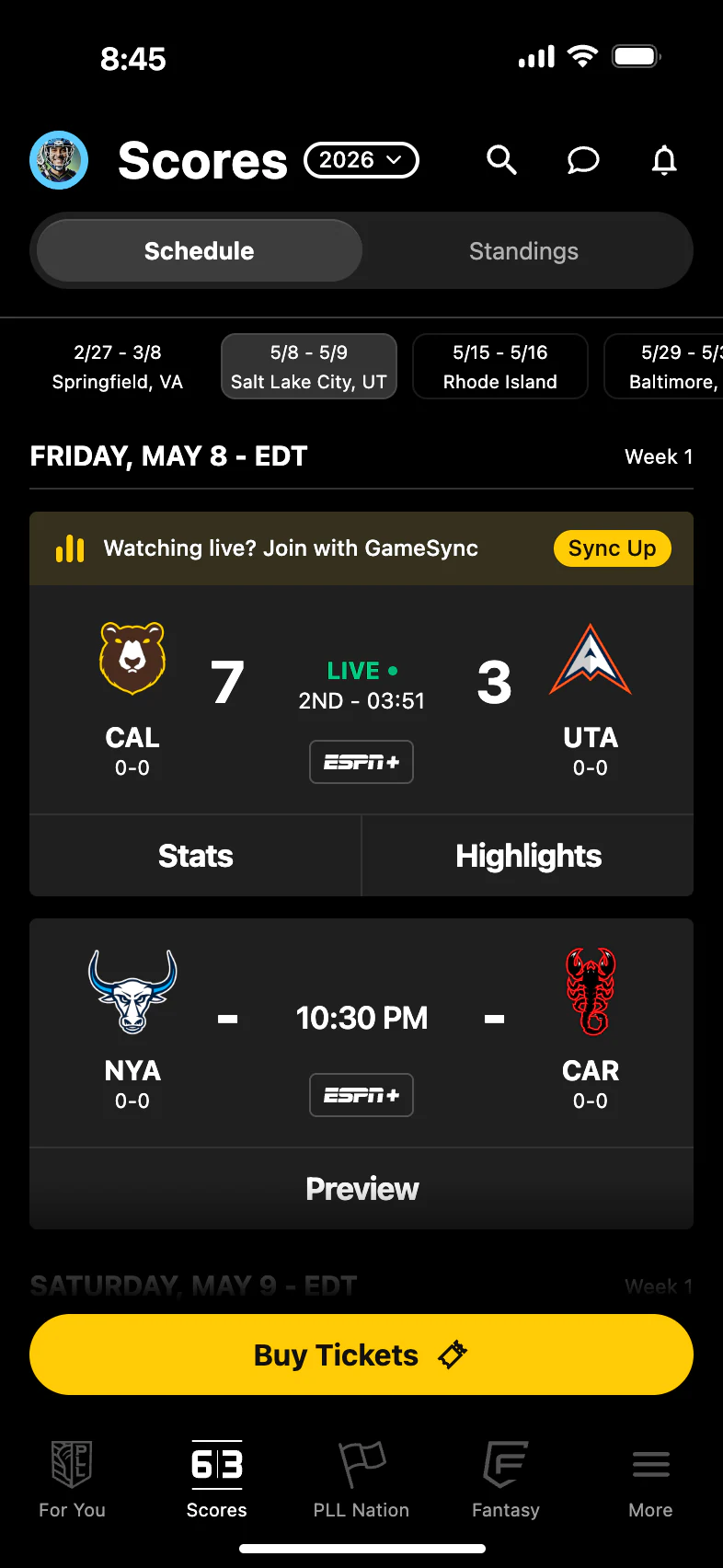
A live score is the hardest state to review: it changes every few seconds, and only during a game. The Lab shows the prototype in an iPhone-sized frame and forces the clock, the live speed (paused to 300x) and the data state: ready, loading, empty or error. Games come from the real 2026 schedule, and live scores play back on a seeded goal timeline, so a stakeholder can watch a goal go in on any day.
Two calls were mine. Week chips work as tabs, so a chip shows one weekend, not one long list. And the custom tab bar stays the default, with a switch to a floating glass bar in the style of the native iOS one, so I could pitch it to stakeholders.
Fantasy started from my own Figma draft, and most of my changes took things out
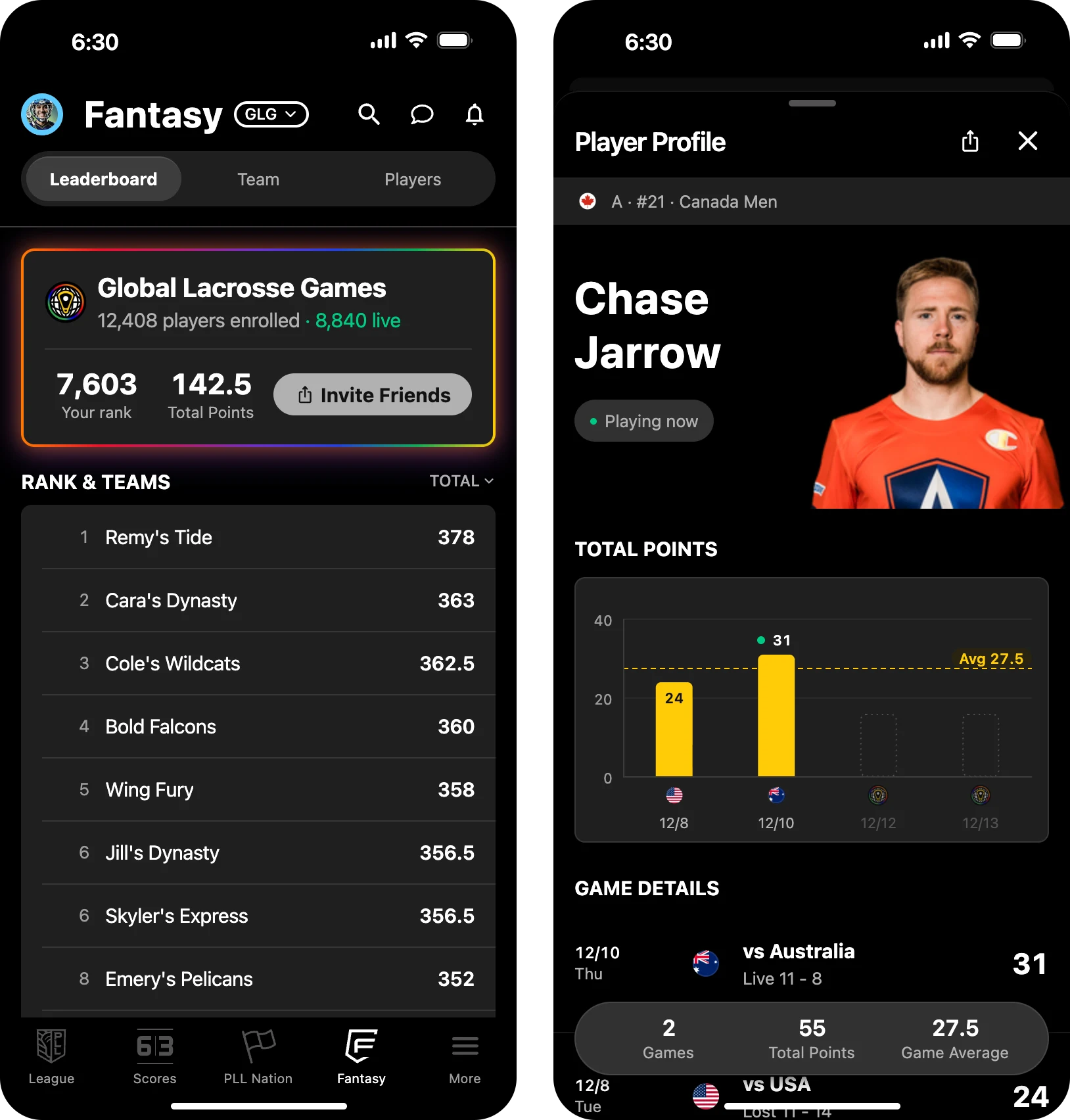
In November I added Fantasy. The source was my own draft in Figma, built from v2 components. Before any build, I set the product rules. There are two modes, the regular season and the Global Lacrosse Games, switched from the season pill as in Scores, and the mode follows the calendar. The Games have one global leaderboard and no private leagues. Tapping a leaderboard row opens a matchup: my team against that team.
Agents rebuilt the draft as library components, Storybook stories and screens. I reviewed the rounds in Figma before the code followed, and most of my changes took things out. In the Games, projected points went. Times lost their zone labels and show the fan's local time. The chart kept Total Points only, although Position Rank was in my own draft. Helper lines that explained the obvious went too. On 5 November I asked for swiping between player profiles; on 12 November I removed it, so each sheet shows one player.
The cost is fewer features in the first version. During a live game, Add Player turns into a "Playing now" tag of the same height, so nothing on the sheet jumps.
I directed the agents; every call went into one log
- What I directed: the brief and its rules (Figma leads, one agent writes to Figma at a time, v2 fidelity wins, every color and gap bound to a variable, accessibility is part of done) and the 14 behavior decisions for the Scores tab. After that, a brief per round; for Fantasy, my own draft, my review of each round in Figma and one annotated screenshot.
- What the agents did: in the first 3 days, the last one an unattended overnight run, Claude Code agents built the Figma library (212 variables, about 150 icons, 11 Scores screens with real data) and the Scores prototype. Overnight they took 123 decisions without me, each logged with its reason and how to undo it. By 12 November they had added League, the Games season with its standings and brackets, one bottom sheet for every sheet in the app, and Fantasy in two modes, with 1,493 tests passing. The log, my calls and theirs, now holds more than 360 decisions.
- How I checked it: a separate agent compared each tier with the v2 originals, by screenshot and by a structural audit. New states came back marked DRAFT for my review. Before the Fantasy polish round, separate agents ran a UI audit and an independent critique. Screens were checked at 375, 390 and 430 pt in the web build. What agents can't test (native menus, haptics, VoiceOver) went on my list for a device check.
- What I rejected: for the Global Lacrosse Games, the agents put a full-width banner in the fixed header, as the brief said. It felt like an ad, so I replaced it with day chips and a small event card. A rainbow frame on every card was too much, so only live cards keep it. And I kept SF as the only font, over the brief's display font.
A week earlier, Gamecast tested the same rules on the web
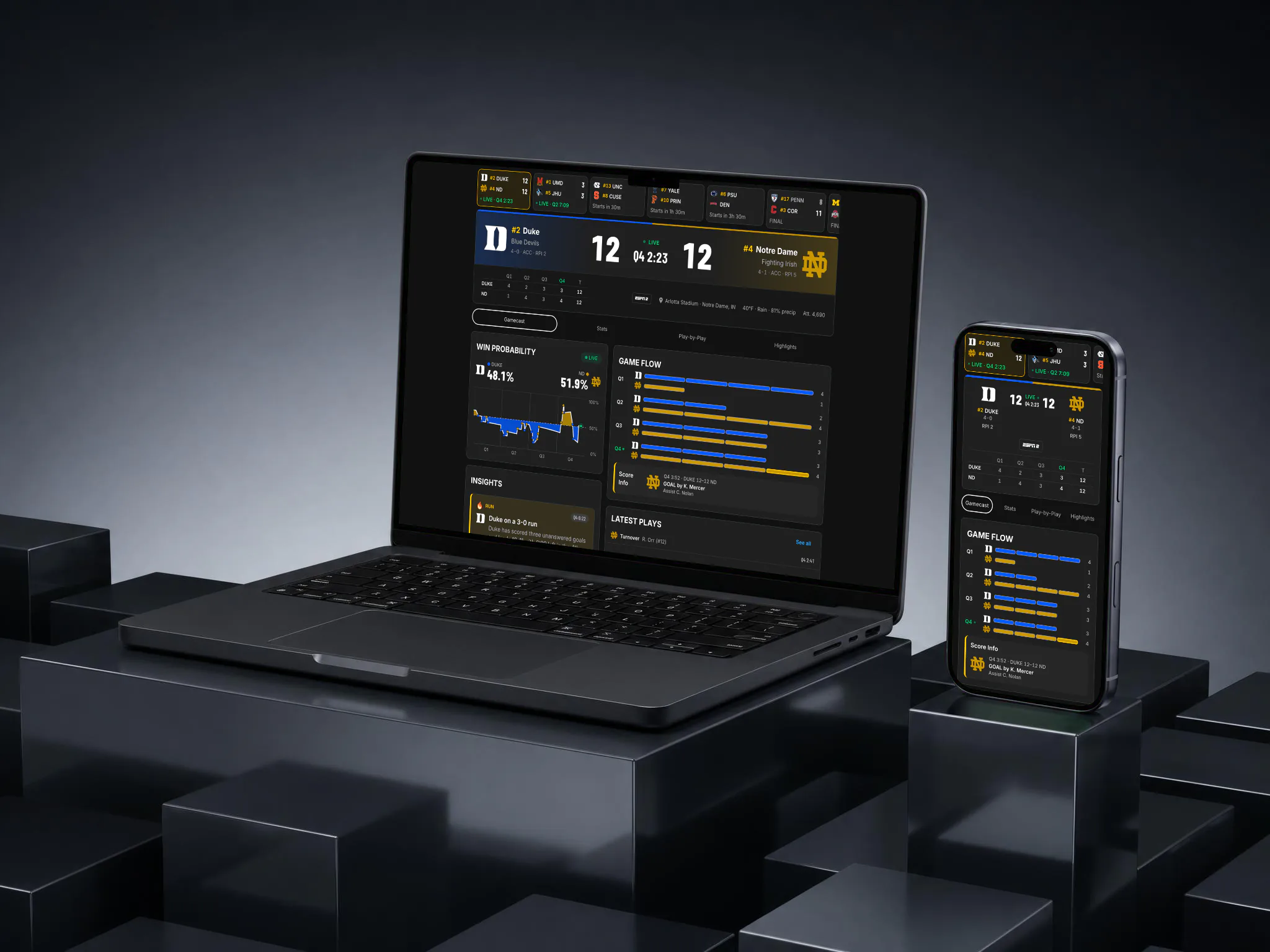
PLL Gamecast is my own exploration, not commissioned work: a mobile-first redesign of the Inside Lacrosse game page with PLL branding, for pre-game, live and post-game. It has its own token set, Figma library and Storybook. I approved the tokens from a proposal that merged the audits of both PLL Figma files. One call: SF Pro's license covers Apple platforms only, so the web uses Inter, the closest free match, and Barlow Condensed for scores, as the app's scoreboard already did.
How it was shared
I made the prototype public on purpose, with no login and hidden from search engines, so stakeholders could open the prototype, the Lab and the Storybook from one link. Its homepage also explains how to open it on a phone with Expo Go.
What I'd do differently
I'd plan the device check into the first overnight run. The native parts (menus, the tab bar, haptics, VoiceOver) waited for me and a real iPhone, and each new round added more of them. I've since checked them all on an iPhone.